Redact before you share
Drag over an email address, an API key or a customer name. Blur it, or paint it out completely — the pixels underneath never reach the export.
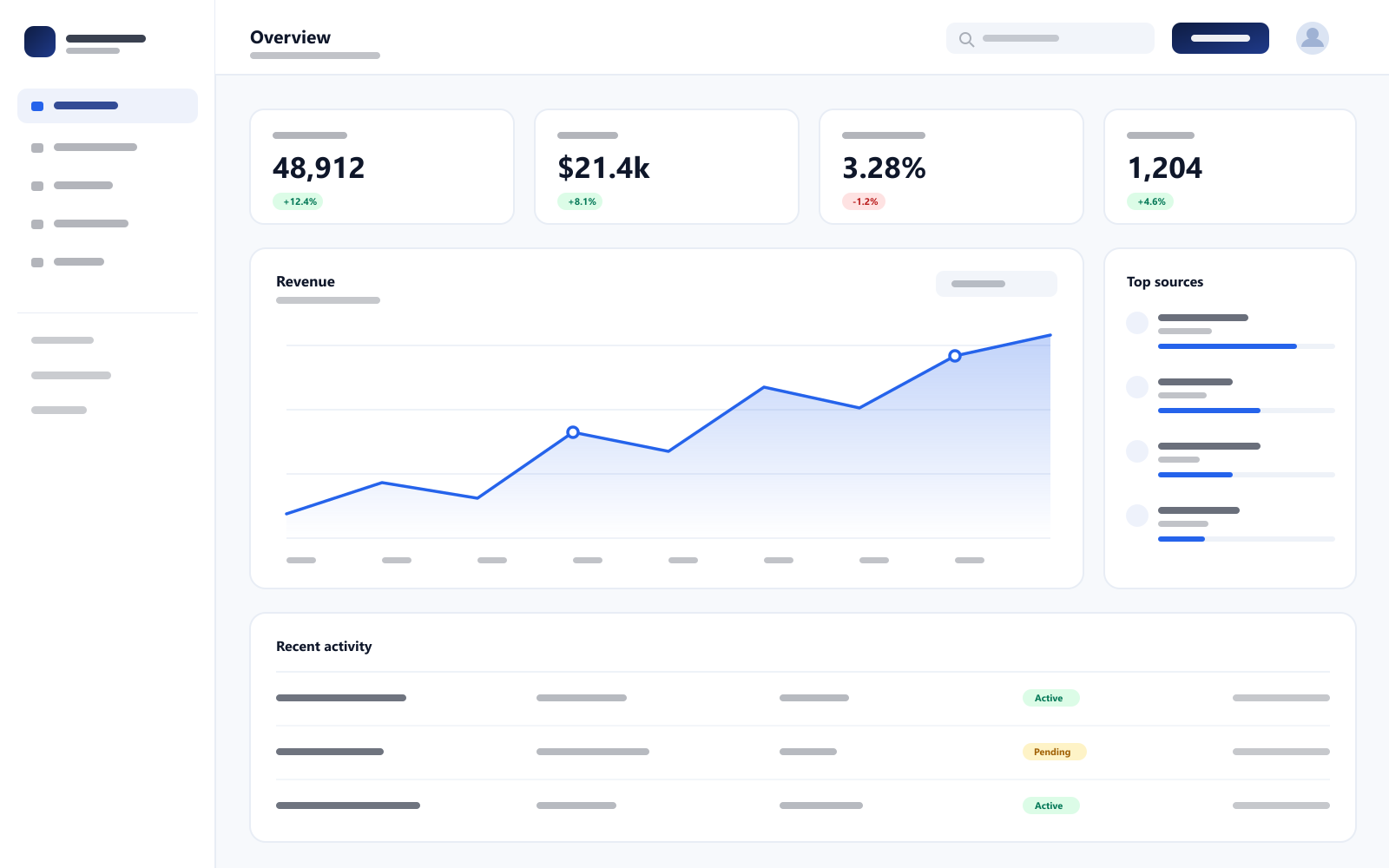
Add a frame, a background and a real shadow to any screenshot — then export something worth posting. Drag the handle below to see the difference.
Drag to compare · this is the editor's actual output
 Your images never leave your device
How it works
No layers to learn, no account to make. Open it, style it, ship it.
Paste from your clipboard, drop a file, or start from the built-in sample. It never leaves your browser.
Fourteen presets set the frame, background, shadow and tilt in one click. Then fine-tune anything, and redact whatever should not be public.
Copy straight to the clipboard, or download PNG and JPG up to 3× for retina-sharp launch visuals.
Looks
Every preview below is rendered by the same engine as the editor — click one to see it applied.
Soft Launch
Light, browser frame
What's inside
Everything runs on your own device — including the part where you hide what nobody else should see.
Drag over an email address, an API key or a customer name. Blur it, or paint it out completely — the pixels underneath never reach the export.
Browser, macOS, Windows, phone and tablet — or none at all. Your screenshot keeps its real proportions in every one.
Sixteen presets, a gradient builder with any angle, a flat colour, or drop in an image of your own.
Angle the shot, set the shadow's blur, distance, strength and colour, and add grain, vignette or an outline.
Captions with a highlight pill and drop shadow, plus arrows, shapes and stars for pointing at the thing that matters.
PNG, transparent PNG, JPEG or WebP, up to 3× — or copy straight to the clipboard.
Made for
Built for people who need better-looking visuals without adding design work to the week.
Product Hunt
Give launch-day screenshots the polish the rest of the page already has.
X / LinkedIn
Framed, padded shots that hold their own in a fast-moving feed.
Case study
Present UI work clearly without opening a full design tool for one image.
Changelog
Ship update posts with visuals that look considered, in about a minute.
Everything you just used stays free. Pro adds watermark-free exports, higher output quality and the features that land next.
Join the waitlist
Get a heads-up when Pro is ready.
Open the editor and try it on something you already have. There is nothing to sign up for.
Open the editor